How to Start a Blog in 2026: Step-by-Step Guide for Beginners
If you want to start a blog in 2026, the good news is that the technical side has never been easier. You do not need to know how to code, and you do not need a big budget to get a real site online today. What matters is picking the right platform, setting it up correctly the first time, and publishing content people actually want to read. This guide walks through every step, from choosing a platform to writing your first post, so you can start a blog with confidence instead of guesswork.
How to start a blog in 2026: the 7 steps that matter
1. Pick your niche before you pick your theme. A blog about “everything” rarely grows an audience. Choose a topic you can write about for a year without running out of ideas — personal finance, home cooking, fitness, travel, or a hobby you already know well. A narrow, specific niche makes it easier to rank in search and easier for readers to know what to expect.
2. Choose a blogging platform. WordPress.org (self-hosted) powers roughly 40% of all websites because it is free, flexible, and fully yours — no platform can shut it down or force you to upgrade. Hosted builders like Wix or Squarespace are simpler on day one but limit you later if you want to monetize seriously or move hosts. For a blog you plan to grow, self-hosted WordPress is the standard recommendation.
3. Buy hosting and a domain. Hosting is where your site’s files live; the domain is your address (yourname.com). Budget beginner hosting plans run about $2–$4 a month on a multi-year term, and most hosting companies, including Hostinger, throw in a free domain for the first year. Avoid free blog subdomains (like yourname.wordpress.com) if you plan to build a brand — a real domain looks more credible and is required for most ad networks and affiliate programs.
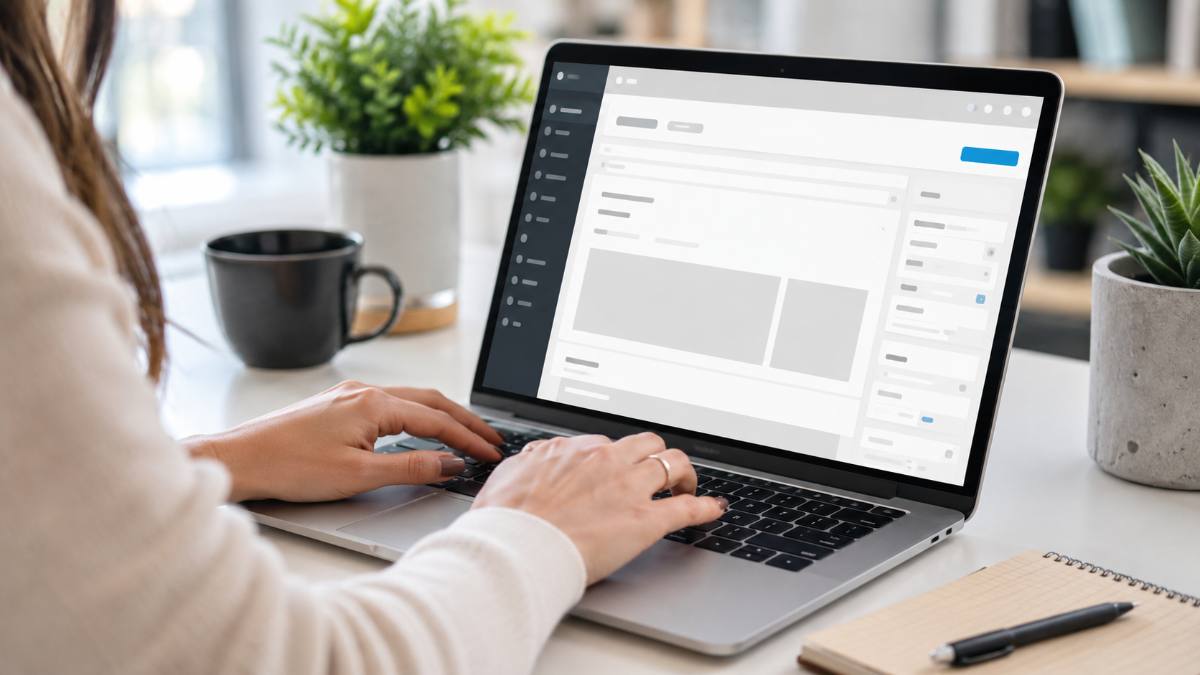
4. Install WordPress. Nearly every host offers a one-click WordPress installer inside the control panel — you pick a site name, set an admin username and password, and the software installs itself in a couple of minutes. No manual file uploads or database setup required.
5. Choose a lightweight theme. Pick a free, fast-loading theme built for blogging (Astra, GeneratePress, and Kadence are common beginner-friendly picks) rather than a heavy, feature-stuffed theme. Page speed affects both readers and search rankings, so simple beats flashy here.
6. Set up the essentials before you publish. Install an SEO plugin, connect Google Search Console, add a caching plugin, and turn on automatic backups. These four items take under an hour combined and save you from the most common early mistakes.
7. Write and publish your first five posts. A blog with one post looks abandoned. Draft at least five posts before you announce the blog publicly — readers who land on a nearly empty site rarely come back. Aim for posts that answer a real question your target reader is searching for.
Common mistakes people make when they start a blog
The biggest mistake is spending weeks customizing the design before writing a single post. Design rarely determines whether a blog succeeds; content and consistency do. The second mistake is picking a topic that is too broad to build authority in, which makes it hard to rank in search or build a loyal audience. The third is skipping an SEO plugin from day one — retrofitting SEO onto fifty posts later takes far longer than setting it up correctly at the start. Finally, many new bloggers give up after a few months because traffic grows slowly at first; most successful blogs take six to twelve months of consistent publishing before search traffic becomes meaningful, so treat the first year as the setup phase, not the payoff phase.
If you are still deciding on a platform, our WordPress for beginners guide and our step-by-step WordPress install guide cover the setup in more depth. Once your blog is live, a fast, beginner-friendly WordPress theme and a short list of essential WordPress plugins will get you production-ready in an afternoon. For the official installation documentation, see wordpress.org.
Ready to start a blog today?
Hostinger’s beginner hosting plans include a free domain, a one-click WordPress installer, and 24/7 support — everything you need to launch in under 15 minutes.
Frequently asked questions
Is it still worth it to start a blog in 2026? Yes. Blogs remain one of the most durable ways to build an audience you own, and they still drive real search traffic, email subscribers, and affiliate or ad income when the content is genuinely useful.
How much does it cost to start a blog? A realistic beginner budget is $30–$60 for the first year: hosting (often $2–$4/month on a multi-year plan) plus a domain, which is frequently free with hosting for year one.
Do I need to know how to code? No. WordPress and modern page builders like Elementor let you build and publish pages visually, with no HTML or CSS required for a standard blog layout.
How long before a blog makes money? Most niche blogs need 6–12 months of consistent publishing before meaningful search traffic and monetization kick in. Treat the first months as building the foundation, not chasing income.
How to grow traffic after you start a blog
Publishing consistently matters more than publishing often. One well-researched post a week that answers a real question will outperform five rushed posts that repeat what is already ranking on page one. Before you write, search your topic and read the top three results — then write something more complete, more current, or more specific than what is already there.
Email is the channel most new bloggers skip and later wish they had started sooner. Add a simple signup form after your third or fourth post, and each new subscriber becomes someone you can reach directly the next time you publish, instead of relying entirely on search algorithms and social platforms you do not control.
Internal linking also compounds over time. Every time you publish a new post, link back to two or three older, related posts. This helps readers find more of your content, and it helps search engines understand which pages on your blog matter most. A blog with fifteen well-linked posts on one niche topic will often outrank a blog with fifty scattered, unlinked posts on unrelated subjects.
Can I start a blog on a free platform first? You can, but free subdomains (like yourname.blogspot.com) look less professional and cannot be moved cleanly to self-hosted WordPress without breaking links later, so most people who plan to blog long-term start on their own domain from day one.
Recap: start a blog
To start a blog in 2026: pick a focused niche, choose self-hosted WordPress for long-term control, buy affordable hosting and a domain, install WordPress with a one-click installer, choose a fast lightweight theme, set up SEO and backups before publishing, and write at least five posts before you share the blog publicly. Skip the mistake of over-designing before you have written anything, and give the blog six to twelve months of consistent effort before judging its results.