How to Make a Portfolio Website in 2026: Easy Step-by-Step Guide
A portfolio website is the fastest way to show clients, employers, and collaborators exactly what you can do — without relying on social feeds that bury your best work. Whether you are a designer, writer, photographer, developer, or freelancer, a portfolio website gives you one professional home for your projects, your story, and your contact details.
The best part is that you no longer need to code or hire an agency. With modern tools you can build a clean, fast portfolio website in an afternoon and update it whenever you finish a new project. In this guide you will learn how to make a portfolio website step by step, which platform to choose, and how to keep it looking sharp.

How to make a portfolio website step by step
Building a portfolio website comes down to seven simple decisions. Follow them in order and you will avoid the mistakes that leave most first sites looking unfinished.
1. Register a domain and hosting. Your domain is your address (for example yourname.com) and hosting is where your files live. A memorable, personal domain — ideally your own name — instantly looks more professional than a free subdomain. Providers like Hostinger bundle a free domain with affordable managed hosting, so you can secure both in one step. If you are still weighing options, our Hostinger review breaks down what you get.
2. Choose your platform. Most beginners pick between WordPress and a drag-and-drop website builder. WordPress gives you full control, thousands of themes, and no monthly platform fee, which is why it powers a huge share of creative portfolios. If you want the simplest possible setup, an all-in-one builder works too — we compare the trade-offs in our guide to AI website builders vs WordPress.
3. Install WordPress and pick a theme. On good hosting, WordPress installs in one click — see our walkthrough on how to install WordPress. Then choose a lightweight, portfolio-friendly theme. Fast, minimal themes such as Astra, Kadence, or GeneratePress load quickly and keep the focus on your work; browse a few in our roundup of the best WordPress themes for beginners.
4. Add your best projects. Quality beats quantity. Show six to ten of your strongest pieces, each with a short caption explaining the goal, your role, and the result. Use high-resolution images and consistent thumbnail sizes so the grid looks tidy and intentional rather than random.
5. Write a clear About page. Visitors want to know who you are and how you can help them. Keep it human: a short bio, the services you offer, a professional photo, and a sentence about the clients or industries you serve. This page often gets more views than you expect, so give it real thought.
6. Make it easy to contact you. Add a simple contact form and your email, then link your relevant profiles such as LinkedIn, Behance, GitHub, or Dribbble. A visible call to action — “Hire me” or “Start a project” — turns curious visitors into real leads. A few well-chosen WordPress plugins can add forms and galleries in minutes.
7. Polish SEO and launch. Add a descriptive title and meta description, compress your images so pages load fast, and install an SEO plugin. Then connect your domain and publish. Your portfolio website is never truly “finished” — plan to refresh it every few months as your work grows.
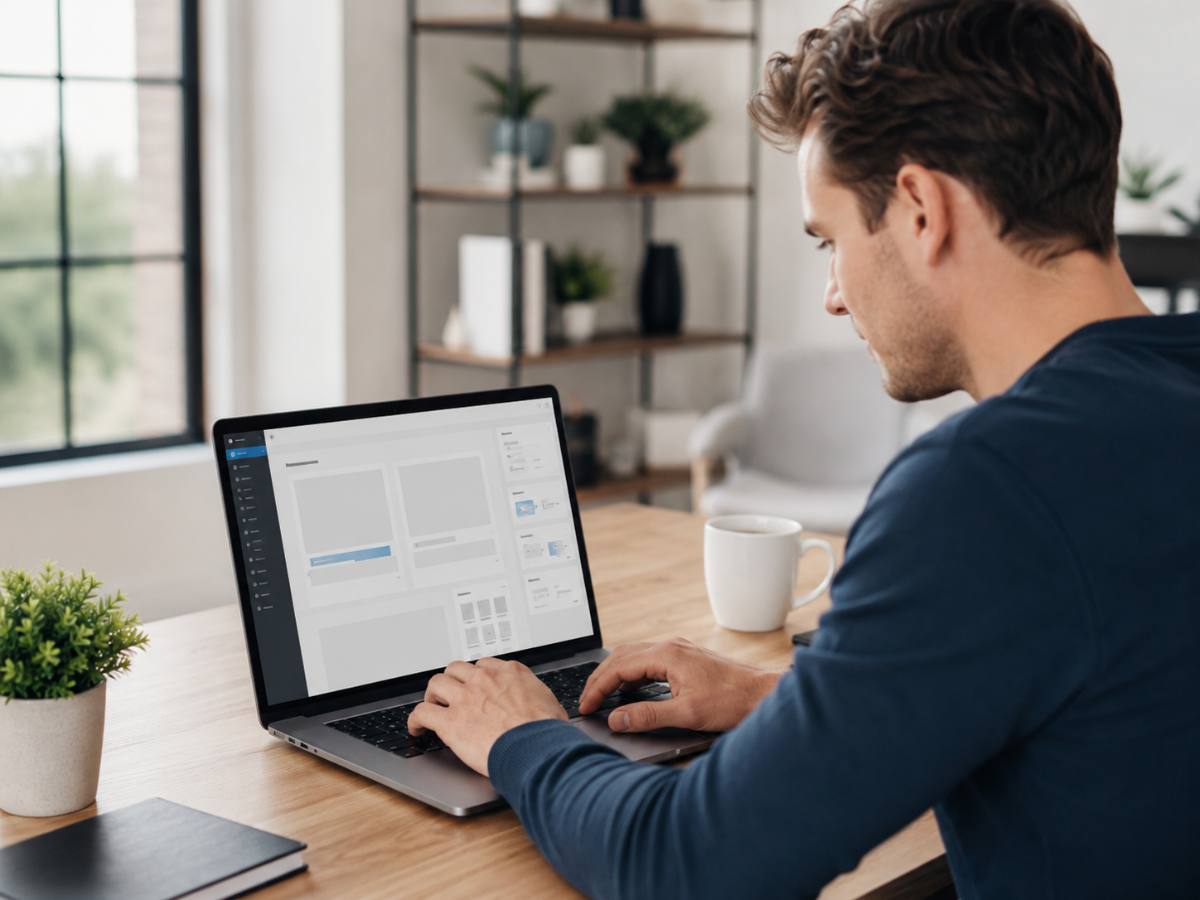
WordPress vs website builders for a portfolio website
The platform you pick shapes how much control, cost, and flexibility your portfolio website gives you. Here is how the two common routes compare side by side.
| Factor | WordPress + hosting | All-in-one builder |
|---|---|---|
| Ease of setup | One-click install, mild learning curve | Fastest, fully guided |
| Design control | Unlimited themes and layouts | Limited to the builder’s templates |
| Monthly cost | Hosting only, from a few dollars | Fixed plan fee, often higher long term |
| Ownership | You own the files and can move hosts | Locked to the platform |
| Scalability | Add a blog, shop, or booking anytime | Grows within the platform’s limits |
| Best for | Creatives who want a lasting home | Anyone who wants live in one sitting |
For most people, WordPress on managed hosting is the better long-term choice for a portfolio website: it is cheaper over time, you own everything, and you can add a blog or store later without rebuilding. A builder is fine if you value speed over flexibility and never plan to move. Either way, start simple and improve as you go.
Hostinger bundles fast managed hosting, a free domain, and one-click WordPress so you can publish your portfolio today.
Common portfolio website mistakes to avoid
A few habits quietly hold portfolios back. The most common is showing too much — a wall of average projects hides your best ones, so cut anything you would not want to be hired for. Another is slow loading; huge uncompressed images frustrate visitors and hurt your search ranking, so resize every photo before uploading.
Many beginners also forget mobile users. More than half of visitors arrive on a phone, so test every page on a small screen and make sure images, menus, and buttons still work. Finally, do not hide your contact details. If someone loves your work but cannot reach you in two clicks, you have lost the opportunity. Keep a clear call to action on every page.
Tips to make your portfolio website stand out
Once the basics are in place, small touches turn a decent portfolio website into a memorable one. Lead with your single best project so visitors see your strongest work first, and write captions in plain language that focus on the outcome you delivered, not just the tools you used. Case-study style captions — problem, approach, result — are far more persuasive than a bare image gallery.
Keep the design consistent: one or two fonts, a small color palette, and generous white space signal professionalism. Add light social proof such as a client logo or a short testimonial, and make sure your site loads in under two seconds by compressing images and choosing fast hosting. A quick, focused, well-organized portfolio website builds trust before you ever say a word.
Recap: portfolio website
A portfolio website is your professional home online: pick a personal domain and reliable hosting, choose WordPress or a builder, install a fast theme, and showcase six to ten strong projects with clear captions. Add a human About page, an easy contact option, and basic SEO, then launch and refresh it regularly. Do that and your portfolio website will keep working for you long after the first visit.
Frequently asked questions
How much does a portfolio website cost? If you use WordPress, you mainly pay for hosting and a domain — often just a few dollars a month, with the domain frequently free in the first year. Builders charge a fixed monthly plan that is usually higher over time.
Do I need to know how to code? No. Modern themes and page builders are drag-and-drop, so you can design a professional portfolio website without touching code. Coding only becomes useful if you want highly custom layouts.
How many projects should I show? Aim for six to ten of your strongest pieces. A tight, curated selection looks more confident and professional than a long list of average work.
How do I get my portfolio website to show up on Google? Use clear titles and descriptions, compress your images, add an SEO plugin, and link to your site from your social profiles. Fresh projects and a fast, mobile-friendly design help you rank over time.